
Modern image & video browser for macOS
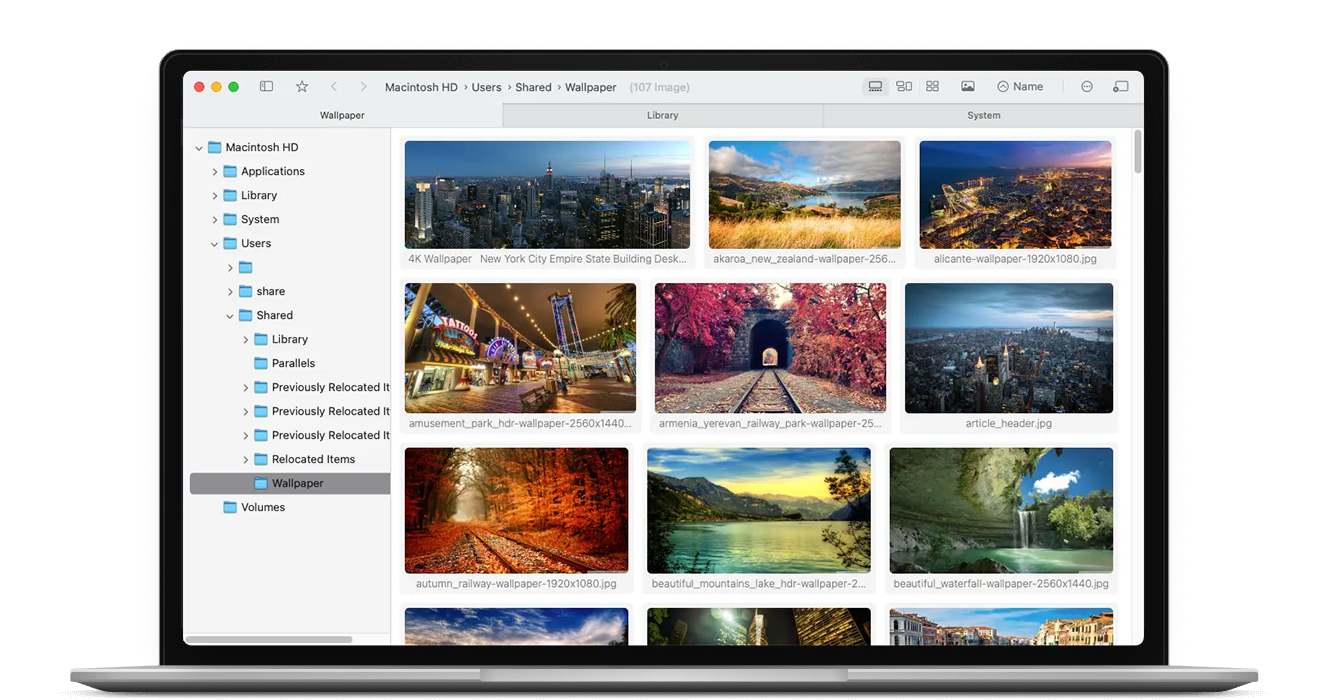
Pixara gives you a fast, fluid way to browse huge folders of photos and videos. Scroll through an adaptive waterfall layout, zoom with high-quality scaling, and manage your files with a clean, Finder-like experience that feels built for macOS.
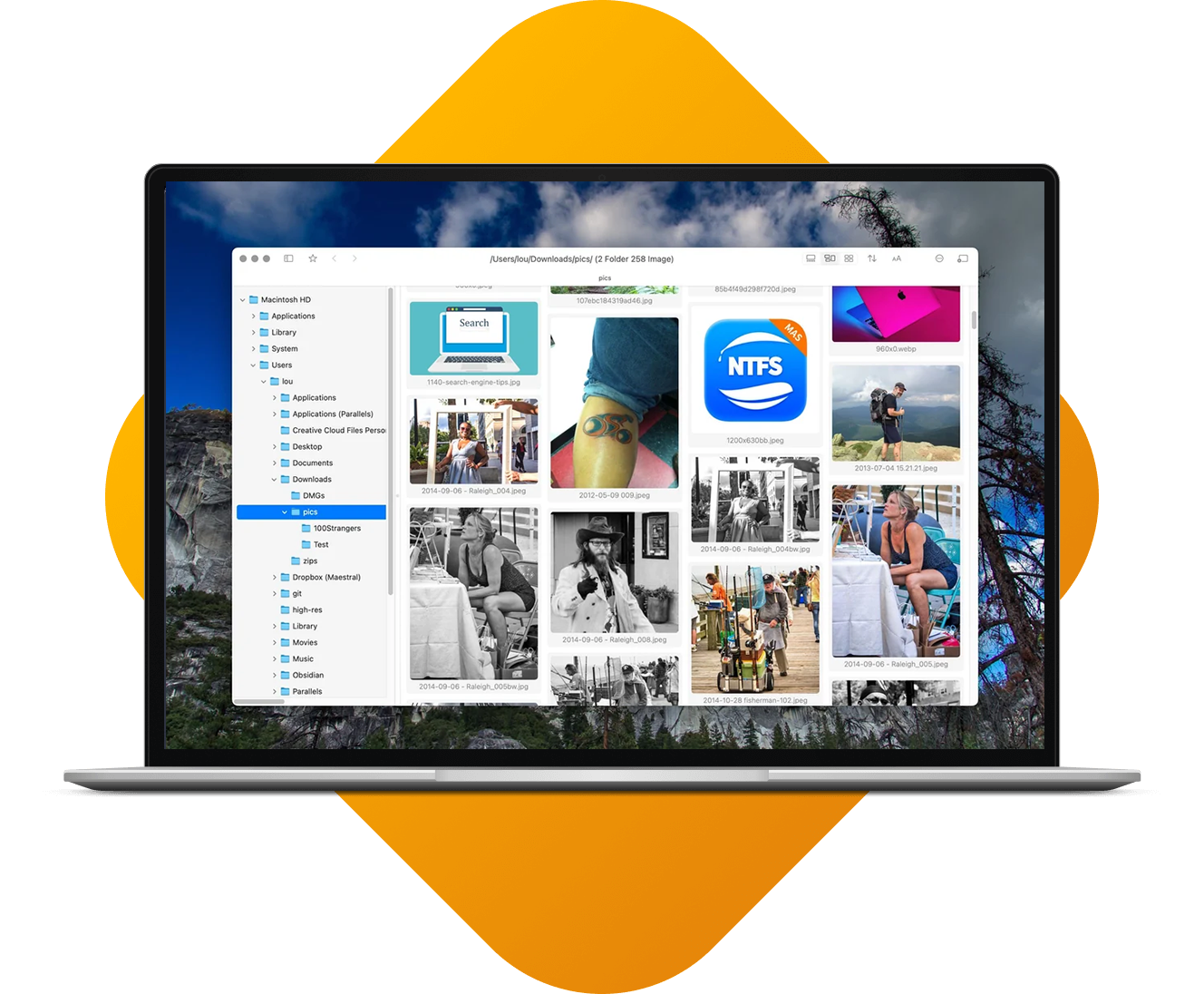


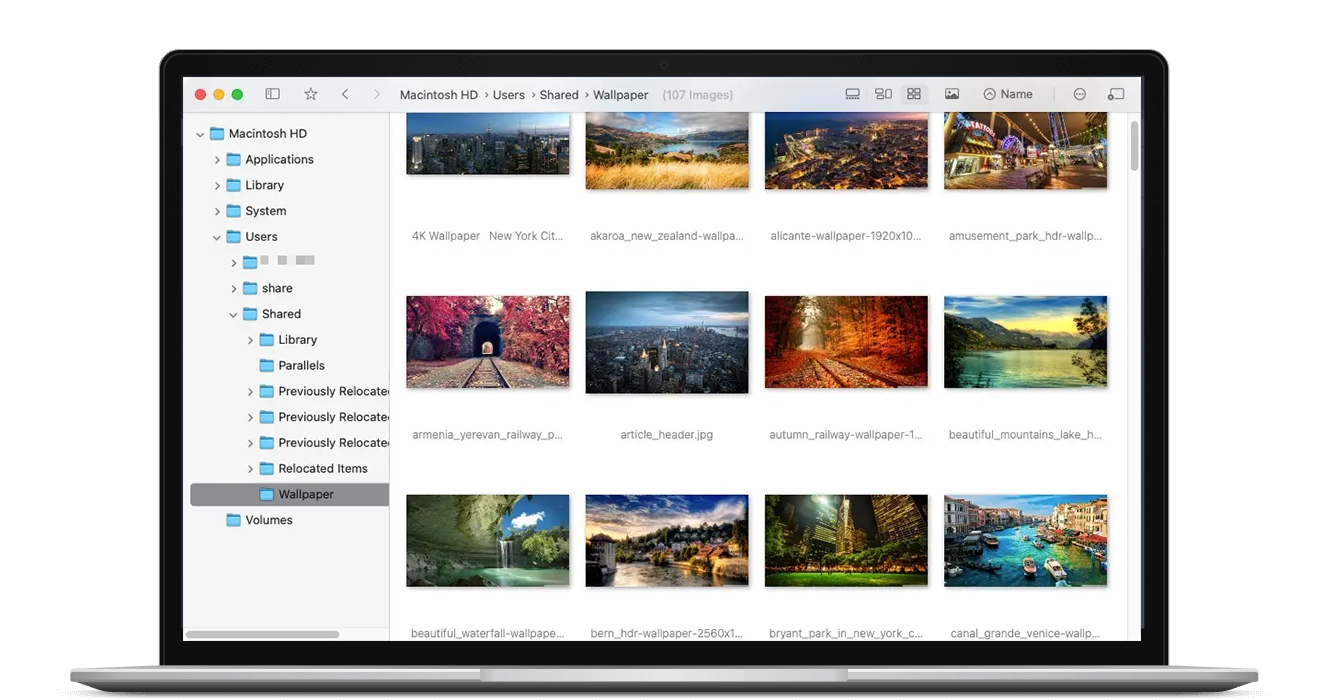
Browse your library without friction
Pixara is tuned for folders packed with images and videos. Adaptive layout, smart caching, and performance optimizations keep scrolling fluid while you jump between projects, events, or entire archives in just a few clicks.
Built for visual people
Made to handle serious libraries
From personal archives to work projects, Pixara is optimized for folders with thousands of images and long video timelines.
Give your gallery a new point of view
Instead of jumping between Finder windows and preview apps, keep everything in one focused, scrollable workspace that’s tuned for images and video.
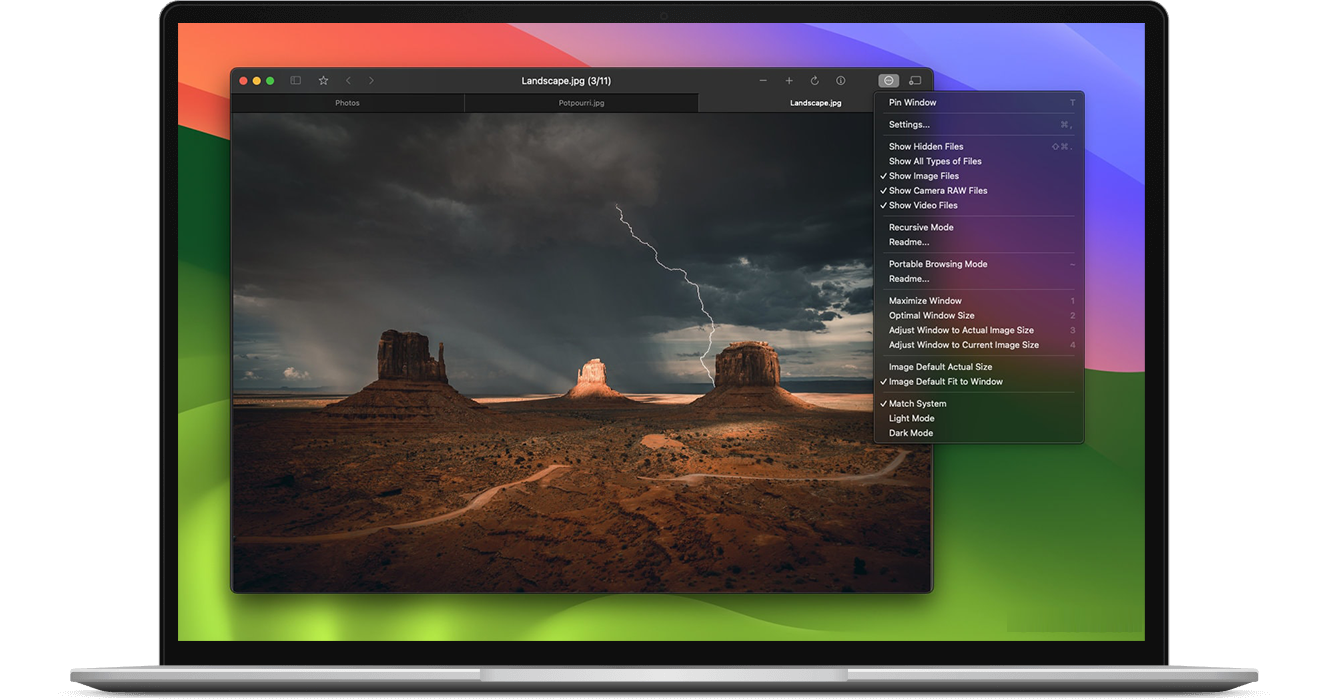
See an entire folder at once
Pixara’s adaptive layout arranges items by size so your eyes can scan for the right shot instantly. Hover, zoom, and open files from a single view, without losing your place in the grid.
Say goodbye to endless folder hopping
Jump between related folders with quick gestures and shortcuts. Move from reference images to final exports in seconds, while Pixara keeps your navigation history close at hand.
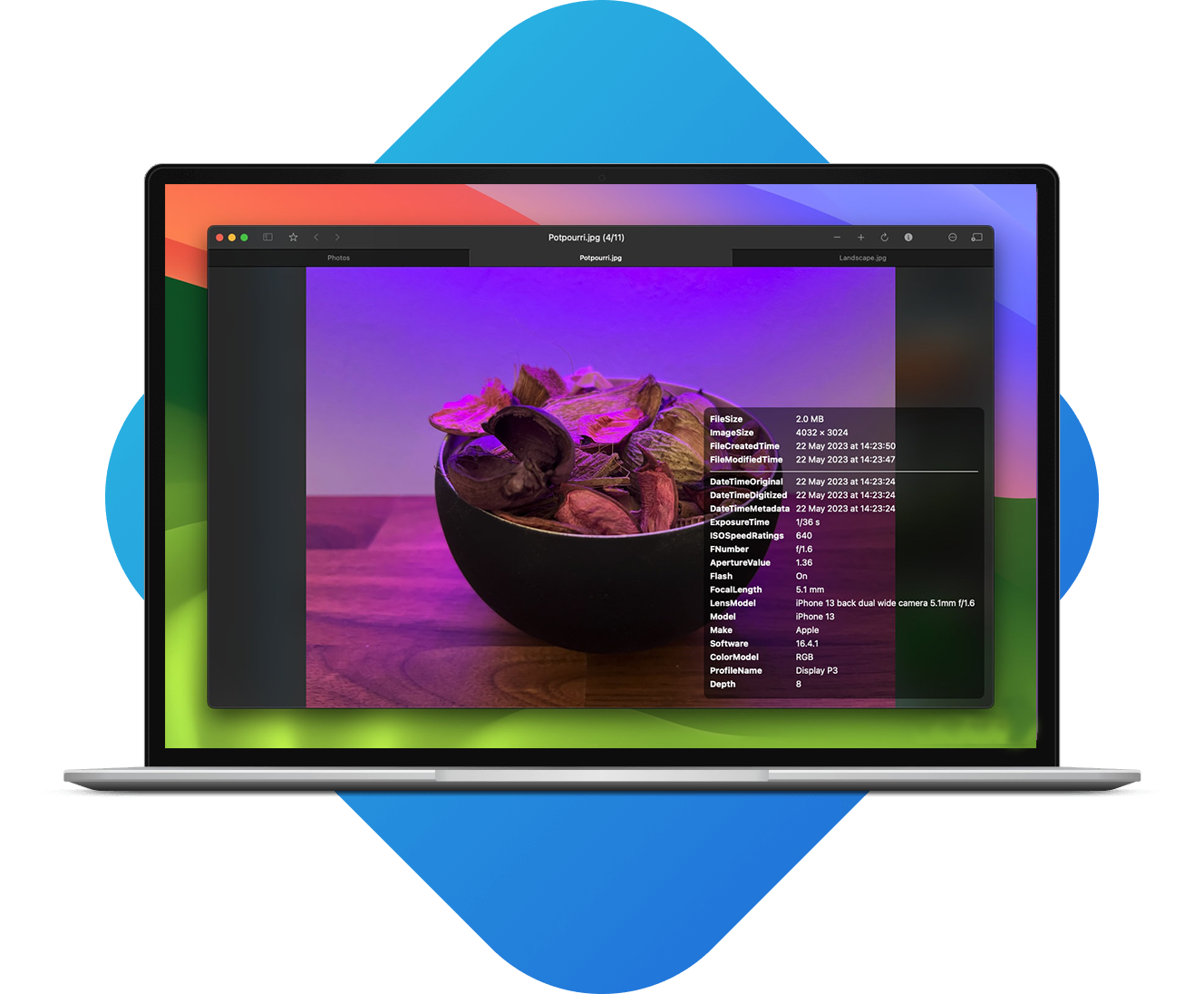
Focus on the details that matter
Open any image into a distraction-free viewer with high-quality scaling and smooth zoom. Compare shots, check focus, and review color without losing the context of the folder you’re working in.
Perfect for projects, shoots, and archives
Whether you’re sorting captures from a day on set or organizing years of memories, Pixara keeps everything comfortably browseable.
Group assets by folder, client, or project and move through them at your own pace. Designers, photographers, and developers all get the same thing: a fast, reliable viewer that keeps your media organized without trying to replace your file system.
Download Pixara and explore your media better
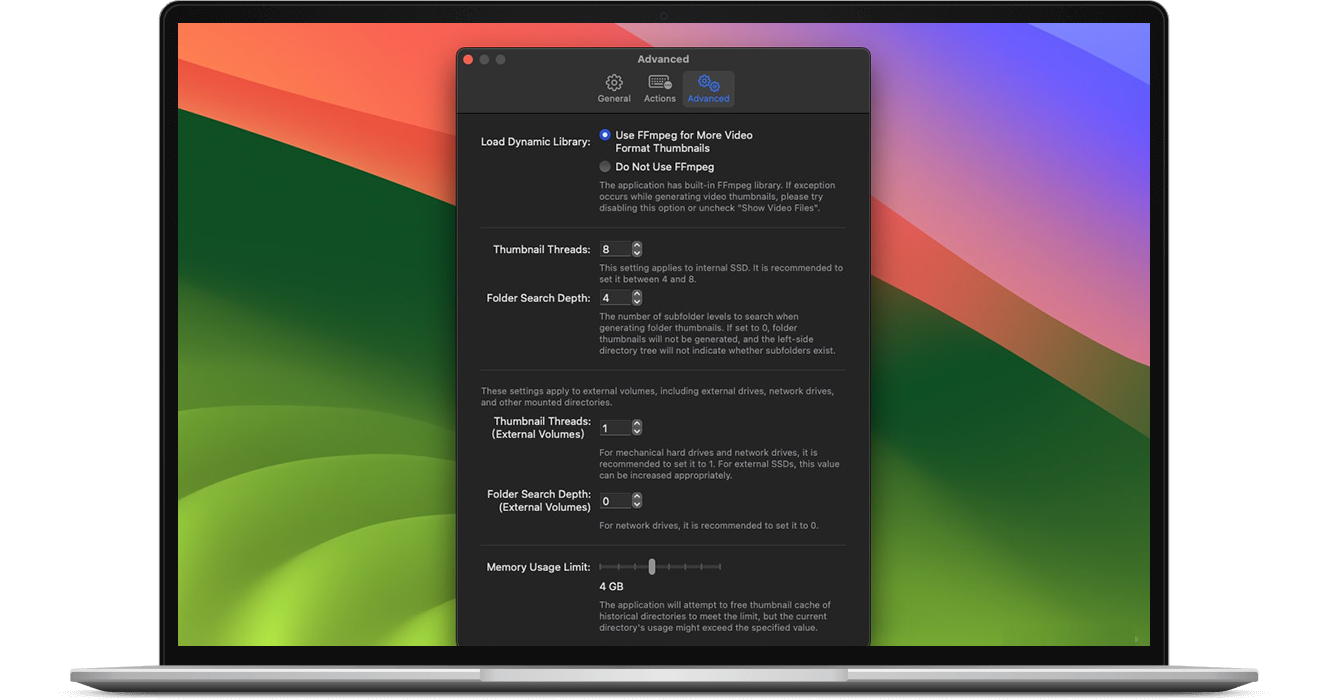
Install Pixara to experience a smoother way to browse images and videos on macOS. Point it at your favorite folders, scroll through the waterfall view, and see how quickly you can find the shot you had in mind.